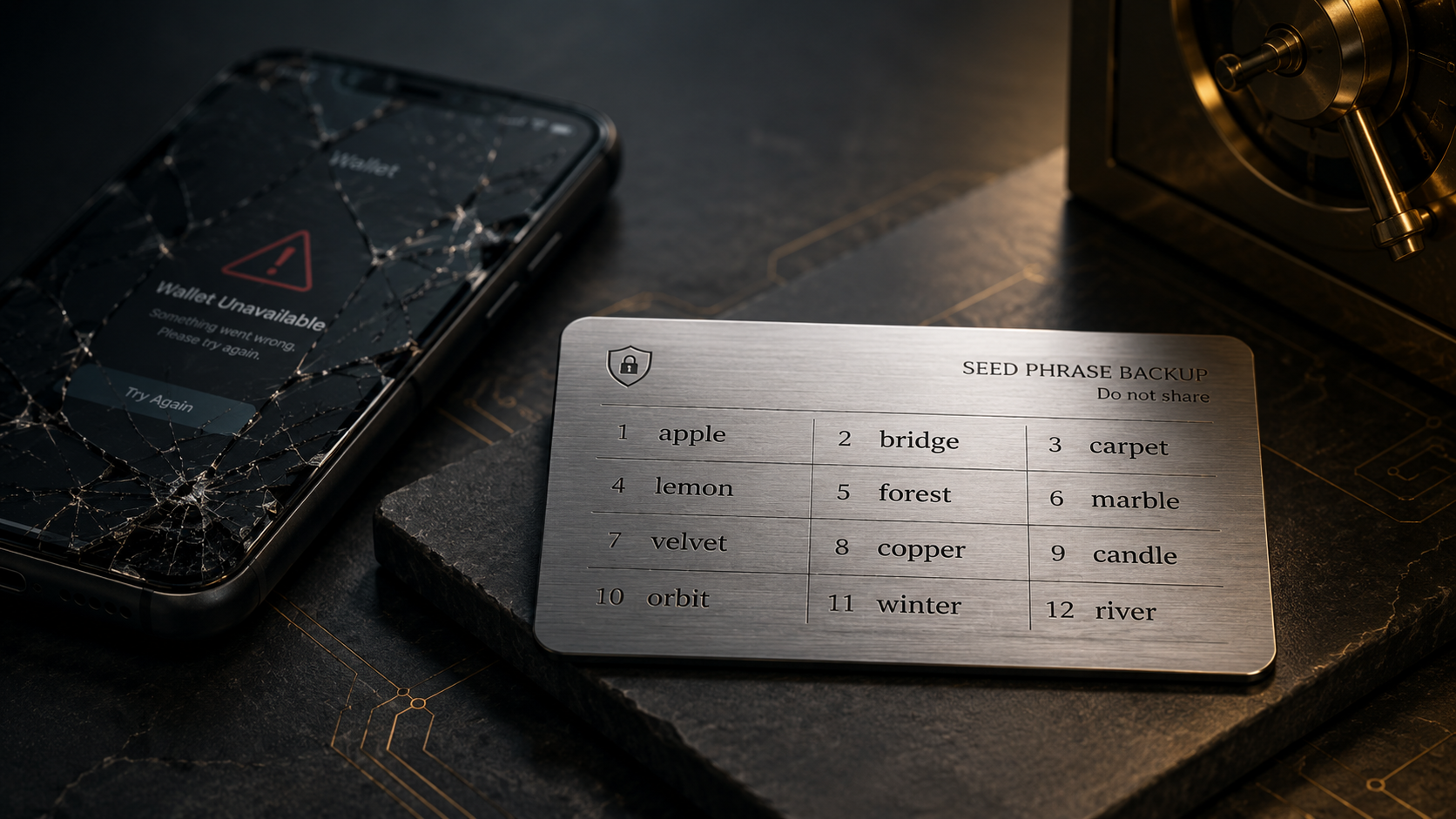
Imagine an unpleasant but perfectly realistic scenario. There is $50,000 sitting in your crypto wallet, and then your phone hits the pavement. The screen is shattered, the device is beyond repair, and with it go your wallet app, Face ID, and saved password.
Now your financial situation depends on whether you still have the 12 words your wallet generated when you first created it. If you do, the cost of the problem is a new phone. If you don’t, there is $50,000 on the line…
Where Is Your Wallet, Anyway?
This is the first thing to understand. When you open a wallet app and see your balances on the screen, it is easy to assume that your crypto somehow lives inside the app. But just like a banking app, it is only an interface. The record of which assets belong to a particular address exists on the blockchain. What the wallet stores is what allows you to control those assets — your cryptographic keys.
The blockchain will not even notice that your iPhone just had an unfortunate encounter with the pavement. The real problem is different: you need some way to prove to the network again that you are the person authorized to control the funds associated with those addresses.
12 Magic Words
Seed phrase, recovery phrase, mnemonic phrase, Secret Recovery Phrase — different wallets use different names, but they all refer to the same basic idea.
In the classic setup, a user receives a sequence of 12 or 24 unrelated words in a specific order. Some implementations use a different number. For example: apple — bridge — carpet — …
Of course, the blockchain is not checking some database to see whether you typed those particular words correctly — there is cryptography behind them. Many popular wallets use the BIP-39 standard: the words are selected from a predefined list, and the sequence itself encodes cryptographic data. From that data, the wallet derives a seed, which can then be used to deterministically generate multiple private keys and addresses.
Instead of storing a separate long string of characters for every address, the user only needs to preserve the original starting point from which the wallet can derive everything again. That is why you can install a compatible wallet on a new device, enter the same seed phrase, and let the software regenerate the necessary keys.
Seed Phrase vs. Private Key
One of the most common questions is: if private keys already exist, why do you need a seed phrase? The difference is essentially the scope of access they provide.
A private key belongs to a specific account or address and allows transactions to be signed on its behalf. A seed phrase, however, can serve as the source for an entire structure of accounts and the corresponding private keys derived from it. So if one private key is compromised, a particular account may be exposed. But someone who obtains the seed phrase can potentially gain access to the entire wallet derived from it.
Self-custody works differently from keeping crypto with an intermediary. We explain why in our guide to non-custodial wallets.
Unlike the banking system, where identity can — and often must — be verified in several different ways, self-custody has an uncomfortable feature. The blockchain does not care who entered those 12 words — the wallet owner or a thief. If someone has the correct keys, the network gives them the ability to sign a transaction. No one is going to ask for their passport…
TOP 2 Ways to Lose Your Money
With a seed phrase, the situation is rather simple: if you lose it, you risk losing access to your money; if someone else finds it, you risk losing the money itself. And the second scenario is obviously the more dangerous one.
If you still have your phone, the wallet works, and the app opens normally, you may still have time to fix the fact that you never properly backed up your seed phrase. But once that phrase has fallen into someone else’s hands, it can no longer be considered secret. And unlike an email password, you cannot simply change it. At all.
Your only real option is to create a new secure wallet with a new seed phrase and move the assets there before whoever obtained the old one does it for you. That is exactly why phishing websites are so fond of asking users to “verify your wallet,” “restore access,” or “synchronize wallet” by entering a recovery phrase. They do not want your password. They want the keys to the wallet itself.
“Hello, MetaMask Support”
There is a very simple way to tell whether you are dealing with a scammer. If they ask for your seed phrase, the conversation is over. A wallet support representative should never need it under any circumstances. MetaMask, for example, explicitly warns users never to share their Secret Recovery Phrase with anyone, including people claiming to represent MetaMask. The wallet provider also cannot recover a user’s Secret Recovery Phrase for them.
In that sense, a seed phrase is actually more useful to a scammer than a password. It does not merely unlock one particular app — it can be used to restore the accounts it controls on another device. So you should never send a photo of your recovery phrase even to someone who looks completely convincing, knows your name, and is messaging you from a chat with the right company logo. Especially not to them.
Please, No Photos
At first, taking a screenshot of your seed phrase may seem perfectly reasonable. A piece of paper can get lost or accidentally end up in the trash with a pile of old documents. A photo, meanwhile, can automatically sync to the cloud and remain available from any device. But from a security perspective, you have just turned an offline secret into a digital file.
A seed phrase stored in your notes, photo library, an email to yourself, or a document suddenly faces an entirely different set of threats: account breaches, malware, cloud-storage leaks, accidental syncing, or simply another person gaining access to your device.
That is why the classic recommendation for seed-based wallets remains simple: keep your backup offline. If paper does not appeal to you, there are also metal backup solutions designed to survive fire, water, and physical damage. What matters most is that the words are recorded correctly and in the correct order.
We are used to being able to recover almost any digital service. But with self-custody, you have to forget that assumption. And the message “Write down these words and keep them safe” — the screen you are tempted to rush past while setting up a new wallet — may well be the most important screen in the entire app.